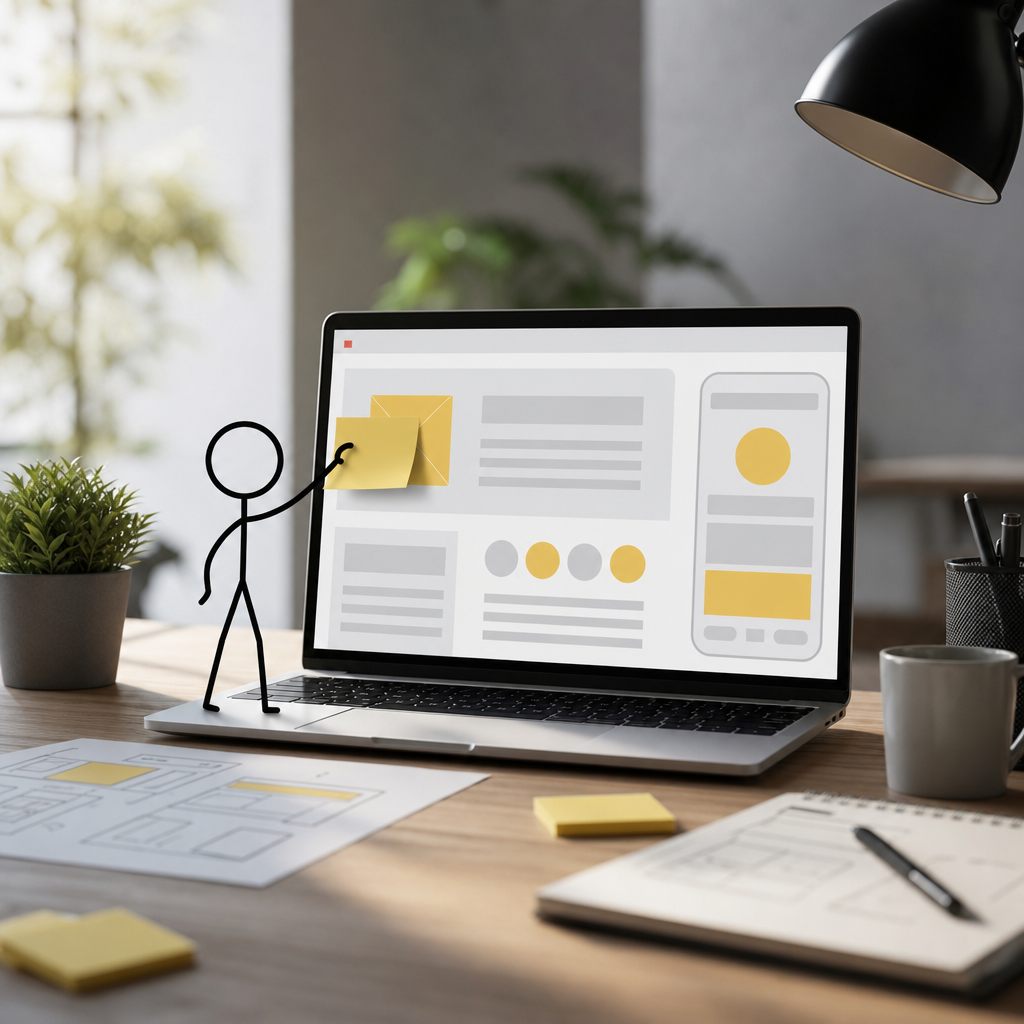
Introduction: The Importance of Web Usability for Startups
Let's not beat around the bush: your startup’s success hinges on web usability. Seriously, in today's digital-first world, having a user-friendly website can make or break your business. But what exactly is web usability? Put simply, it’s all about making sure your visitors don’t have to think too hard when navigating your site. If they can't find what they're looking for in seconds, they'll probably leave—straight to your competitors.
Startups often get caught up in the flashy side of web design, prioritizing aesthetics over function. While a beautiful website is certainly a part of the equation, usability focuses on ensuring that real people can use your site efficiently and effectively. And guess what? This needs to be at the core of your design strategy.
Core Web Usability Principles to Embrace
Simplicity Is Key
Simplicity in design isn’t just a trend. It's a staple. Why clutter your site with overly complex designs and functionalities that confuse users? Instead, focus on clean and simple design. Use a minimalist approach to ensure that the path from entry to conversion is smooth and intuitive. For example, reduce the number of elements on the page and use whitespace effectively to make your content digestible. Don't forget, less is often more.
Consistency: The Key to Recognition
Consistency builds trust. How? Because users find it comforting when every part of a website looks familiar and works the way they expect. This means maintaining consistent colors, logos, typography, and navigation across all your pages. Think of it this way—would you trust a brand if their homepage and contact page looked like they belonged to entirely different companies?
Navigation: Your Blueprint to User Experience
Clear Labeling and Structure
Your navigation menu is arguably the most important part of your site’s design. Make sure it's visible and organized logically. Use clear labeling for menu items to prevent confusion. Let's say you have a digital marketing service page—label it clearly, and consider using a sub-menu if you offer multiple related services.
Breadcrumbs and Internal Linking
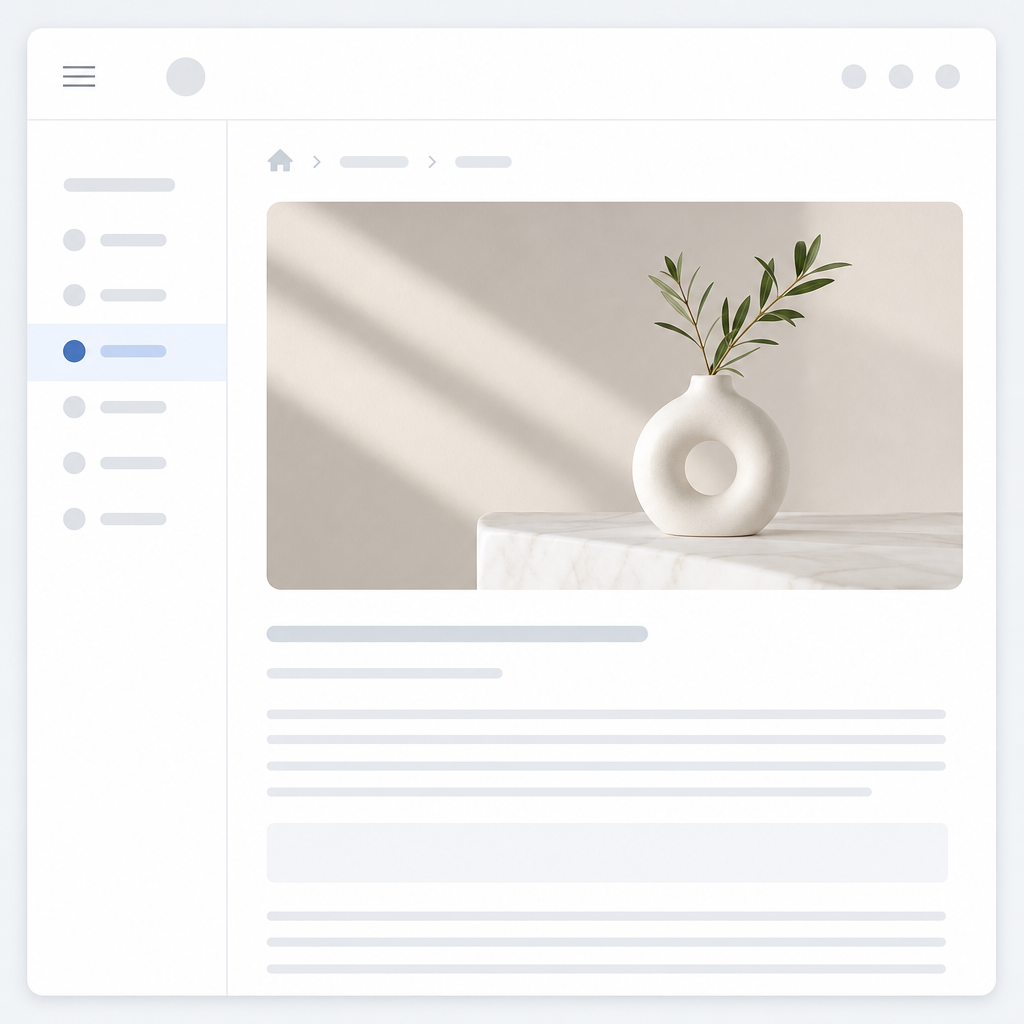
Okay, here's a little secret: breadcrumbs aren’t just for fairy tales. They're a powerful navigational aid that allows visitors to track their location on your site. Include clear breadcrumbs on every page. Also, appropriately implement internal links within your content to guide users to related information, enhancing their browsing experience while improving your SEO.
Responsive Design: The Era of Mobile Usability
Mobile usability isn’t a luxury anymore—it's a necessity. With so many users accessing websites via mobile devices, your site needs to look and function perfectly on all screen sizes. Use a responsive design to adapt your layout to different devices. Also, test your site on various devices and orientations to ensure all elements are displayed correctly without glitches or awkward scrolling.
Actually, let me put that differently. Invest in mobile optimization now, or you'll risk excluding a massive chunk of potential customers. Remember, waiting even a single second longer for a site to load on mobile can lead to lost visitors. For more on how AI can bolster these needs, see the future of marketing.
Effective Call-to-Action (CTA): Your Path to Conversion
Placement and Design
A CTA isn’t just a button; it's your pitch, positioned perfectly for the right impact. So where do you place it? Ideally, where the user engagement is highest—above the fold is great, but don't ignore the potential of placing them strategically down the content. Design them to stand out without being garish. Use contrasting colors and concise, compelling text to attract attention.
Clear Messaging
Honesty sells. Ensure your CTAs have clear, honest messaging aligned with the user’s needs. Instead of vague "click here" links, use action-oriented statements like "download your free guide" or "start your free trial". This transparency bolsters trust and guides users effortlessly towards conversion.
Testing and Feedback: The Road to Continuous Improvement
Usability Testing
So, you've built your site; what's next? Testing! Usability testing helps you catch flaws by observing real users as they navigate your site. You might discover they’re getting stuck somewhere you never suspected. Use these insights to drive continuous improvements. Consider running A/B tests too, to compare different versions of a page and hone in on the most effective design.
Gathering Feedback
What’s stopping you from asking your users directly? Implement feedback forms or use pop-ups to ask for their thoughts. This direct line to your users provides valuable insights into what's working and what’s not. Plus, it's an opportunity to show them you care about their experience.
Now, you've seen the power of usability first-hand. Ready to start optimizing your website experience? Remember, this isn't a one-and-done task—it’s an ongoing journey requiring commitment and insight. And beyond that, be sure to keep an eye on automated SEO tools that may further streamline the process for your growing startup.