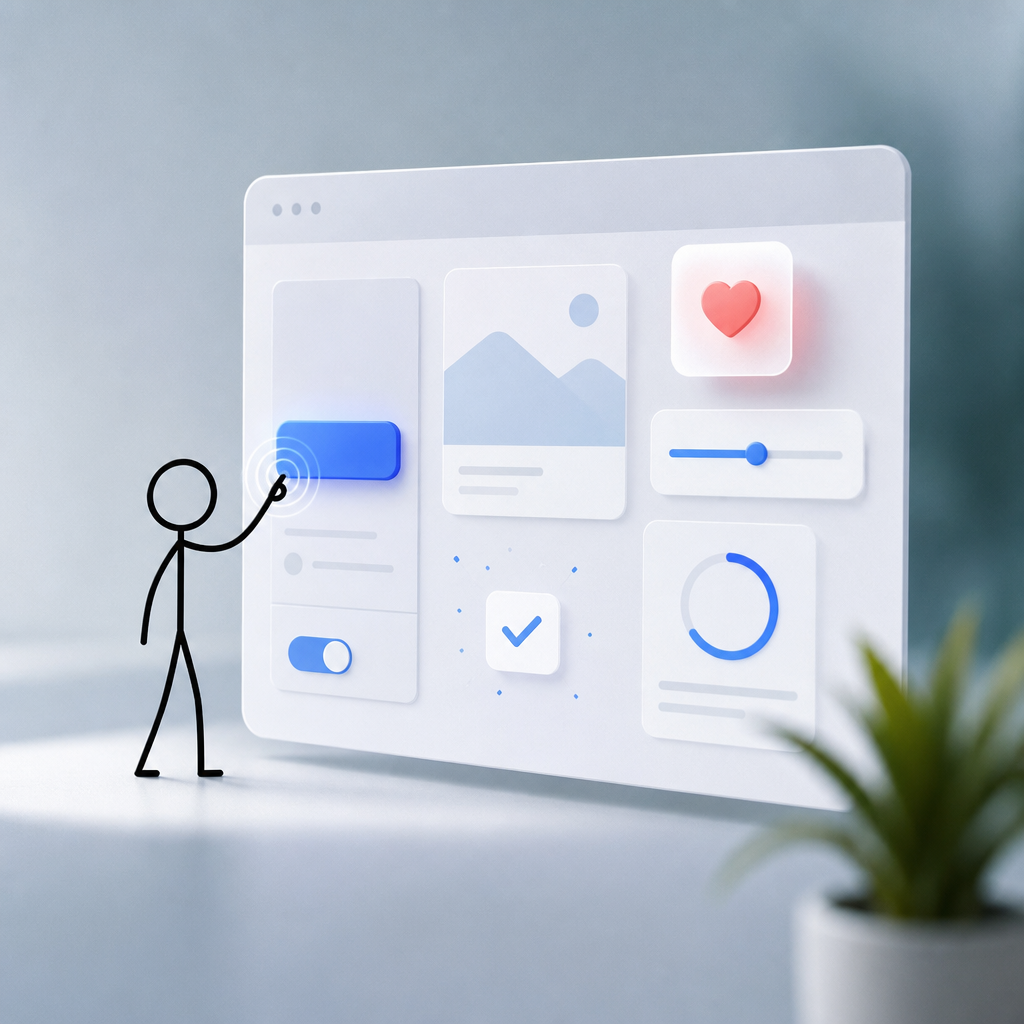
Introduction to Micro-Interactions
The web is buzzing with an often-overlooked yet powerful feature: micro-interactions. But what exactly are these mystical digital experiences? Micro-interactions are tiny animations or design elements that exist to create a moment of delight or to guide users through an interface. They're subtle, almost invisible at times, yet integral in delivering a seamless user experience. They often respond to a user action or are triggered at engagement points. For instance, consider the little notification bell that shakes gently when you hover over it — that's a micro-interaction.
Honestly, these small interactions are more than just pretty ornaments. They're essential in enhancing functional, emotional, and interactive aspects of a website. Take a pause and think about your favorite app. Notice how the simple act of sending a message involves a tactile animation. It's not just aesthetics – it's psychology.
The Impact of Micro-Interactions on User Experience
Think of a simple progress bar that lets users know the status of their upload. Without such indicators, users might feel anxious or confused during waiting periods. Micro-interactions solve this by providing feedback, clarity, and reassurance.
Feedback and Communication
Micro-interactions act like signposts, guiding users elegantly while providing them with necessary feedback. Have you ever clicked a button that changes color to confirm your action was successful? Simple, right? Yet enormously impactful. This real-time feedback assures users their actions have had an effect.
Actually, let's explore an example. Consider a file upload feature. Without a progress bar, users might feel frustrated, unsure if the upload is in progress or if it failed. A micro-interaction transforms this ambiguity into certainty, enhancing the overall user experience.
Enhancing User Engagement
Moreover, micro-interactions boost user engagement by making digital experiences more enjoyable. Think of that subtle animation when 'liking' a post — trivial, yet it enriches interaction, giving users a dopamine hit. And it's not just about keeping users entertained. It's about crafting an experience so smooth that users can't help but return for more.
Implementing Micro-Interactions in Web Design
Now, the million-dollar question is: how do you sprinkle these magical elements across your website? Well, here’s how you can implement micro-interactions effectively:
Identify User Goals
Start by understanding what your users need. Do they require quick navigation? Or maybe clarity on product purchases? By focusing on user intent, you can design specific micro-interactions that match these objectives.
Consistency is Key
One of the golden rules in web design is consistency. Ensure that the micro-interactions maintain a coherent style and message across your website. But don't go overboard. Excessive animations can lead to a cluttered interface, confusing users rather than aiding them.
Testing and Iteration
You know what they say — fail fast, learn faster. Testing your website’s micro-interactions is vital. Monitor user feedback and adjust to optimize the experience continually. Conduct A/B testing to understand which habits your users love the most.
For startups looking to master web usability, this iterative approach is vital. Check out this insightful guide on usability principles to strengthen your web strategy.
Case Studies: Successful Use of Micro-Interactions
Let's delve into some real-world applications of micro-interactions. See how giants in the tech industry have utilized them to craft pleasant experiences:
Facebook's Like Button Animation
Every time you hit the 'like' button on Facebook, you're engaging with a micro-interaction. It's quick, it's subtle, and it gives instant feedback. But the story doesn’t end there. This tiny animation drives billions of interactions daily. It’s a demonstration of how even minute details can lead to massive engagement.
Slack's Loading Screen
Ever noticed the witty quotes or playful animations on Slack’s loading screen? They fall into the banner of micro-interactions that keep users entertained during downtime. By incorporating such elements, Slack transforms an otherwise mundane waiting period into an engaging user experience.

Zoom's Mute Button
On Zoom, when you hover over the mute button, a tiny ‘mic’ icon changes state, providing visual feedback. This might seem minimal, but it plays a significant role in improving user tapping interactions during calls, ensuring a smooth experience even in dynamic settings.
Measuring the Success of Micro-Interactions
Okay, so you've implemented these tiny marvels. But how do you track their success? Measuring the impact of micro-interactions can be daunting, yet it's crucial. Employ analytics to observe user engagement metrics, such as:
- Bounce Rates: Monitor if users are sticking around longer after implementing micro-interactions.
- Heatmaps: Use tools like Crazy Egg to see which interactions get the most love.
- User Feedback: Directly ask users about features they love or dislike.
Basically, it's about understanding your audience's journey and enhancing it consistently. For deeper insights into strategic improvements via automation, explore how automated SEO tools can transform your strategy.
Conclusion: The Subtle Art of Micro-Interactions
So, here's the bottom line. Micro-interactions may be small, but they pack a powerful punch. They are key to creating connections, building trust, and enhancing overall user experience. Remember, it’s not about overwhelming the user with flashy animations; it's about giving them something tangible that improves their journey.
Consider them the spice in your web design recipe. Used wisely, they ensure your site is both functional and delightful. Are you ready to start optimizing your digital space with micro-interactions?